

Technologies and End of Life
This guide explains the terminology and relationship mappings related to technologies, versions, instances, and End of Life (EOL) data.
Technologies
A Technology is a software product used in your environment (for example: PostgreSQL, Node.js, Python).
Common fields shown in list/detail views:
- Instances
- Members
- Type
- Posture
- Vendor
- Versions
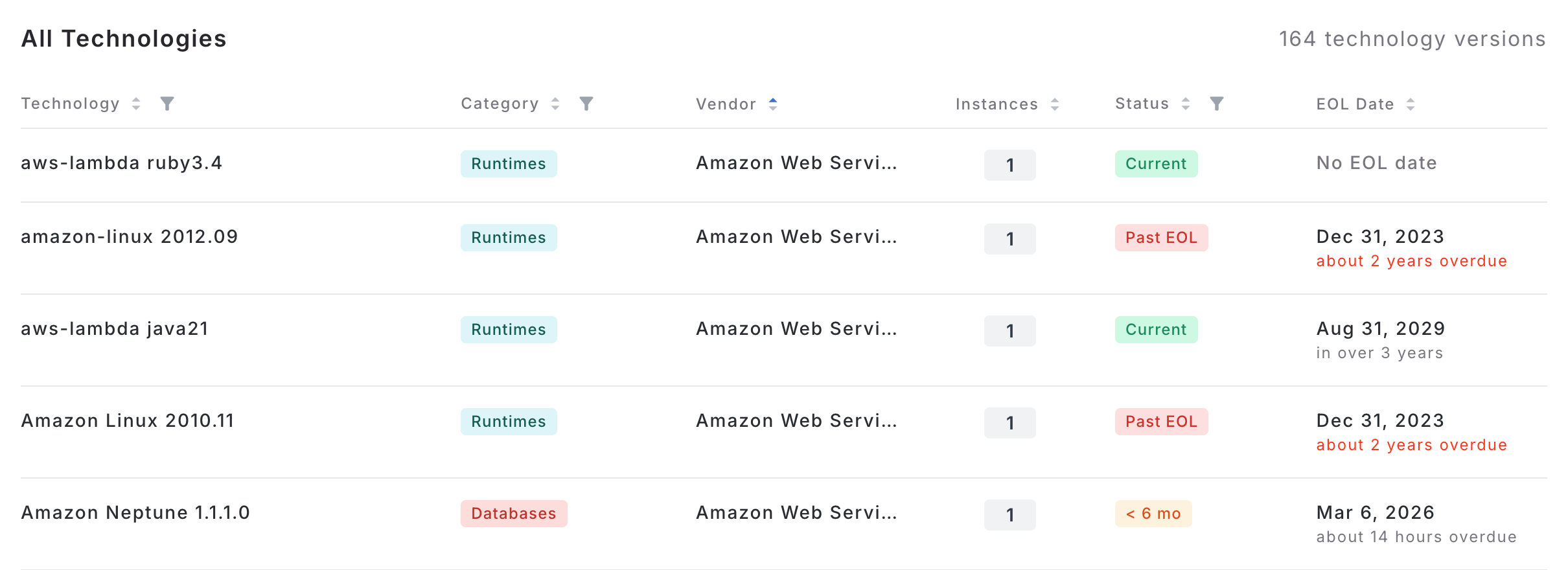
Technology Versions
A Technology Version is a specific release of a technology (for example: Node.js 18.19.1).
Common version fields:
- Version / Tech Version
- Release Date
- EOL Date
- Instances
If data is unavailable, the UI may show values like Unknown or No EOL date.
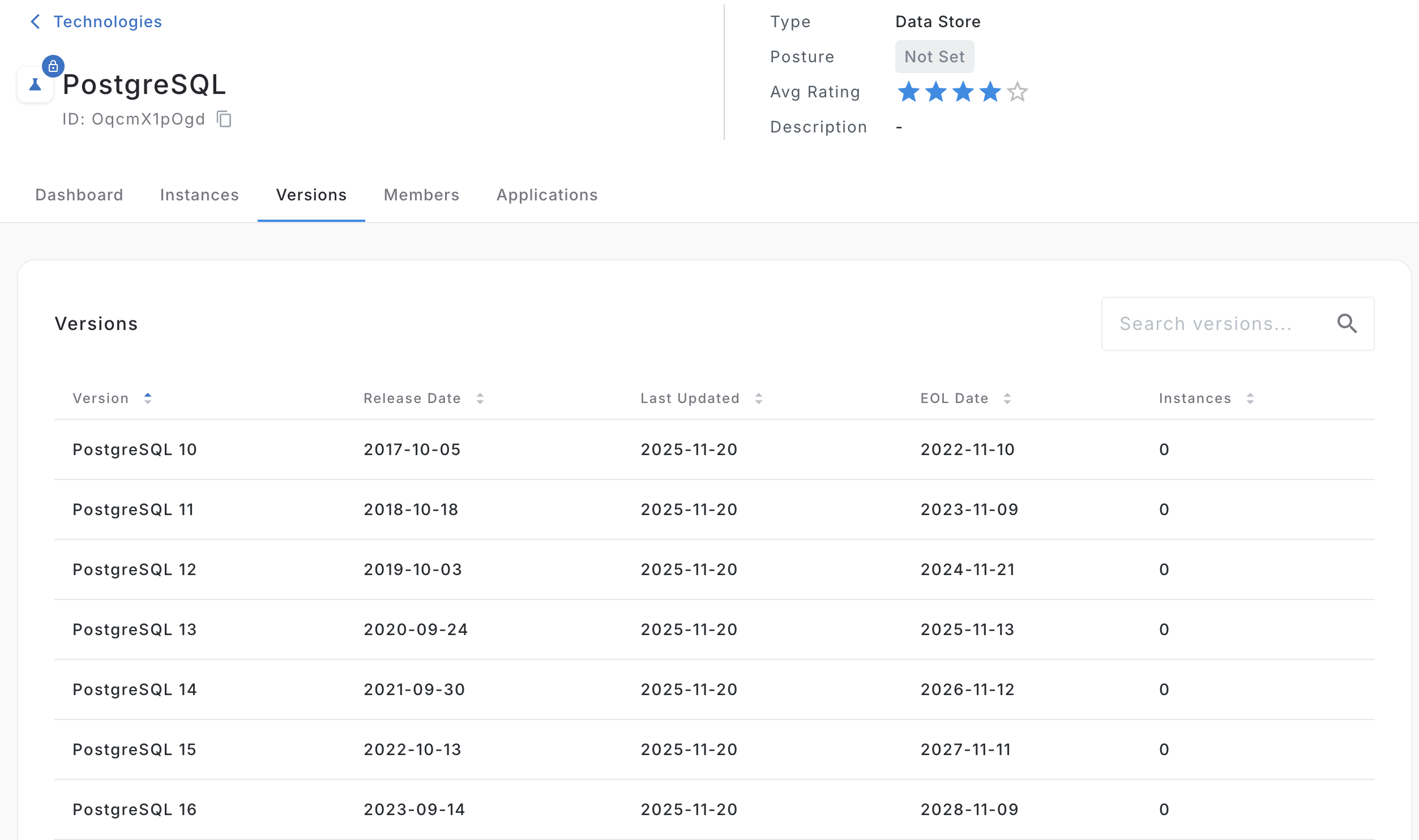
Instances
An Instance is a usage occurrence of a technology version.
In this UI, instance counts typically represent usage across:
- Components
- Resources
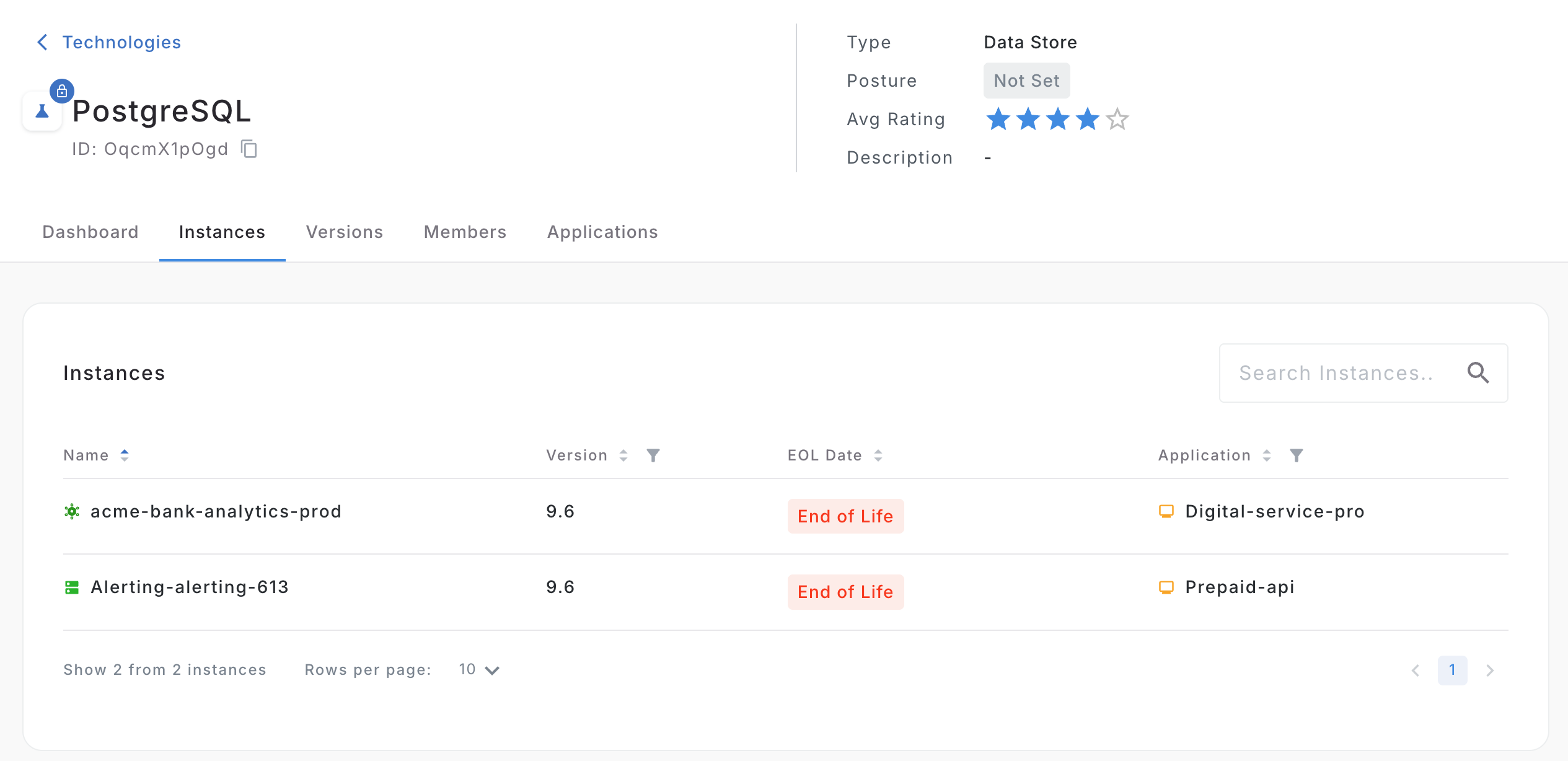
End of Life (EOL)
EOL indicates a version is past or approaching the end of vendor support.
Common status labels:
- Past EOL
- < 6mo
- < 12mo
- Current
- OVERDUE
- APPROACHING
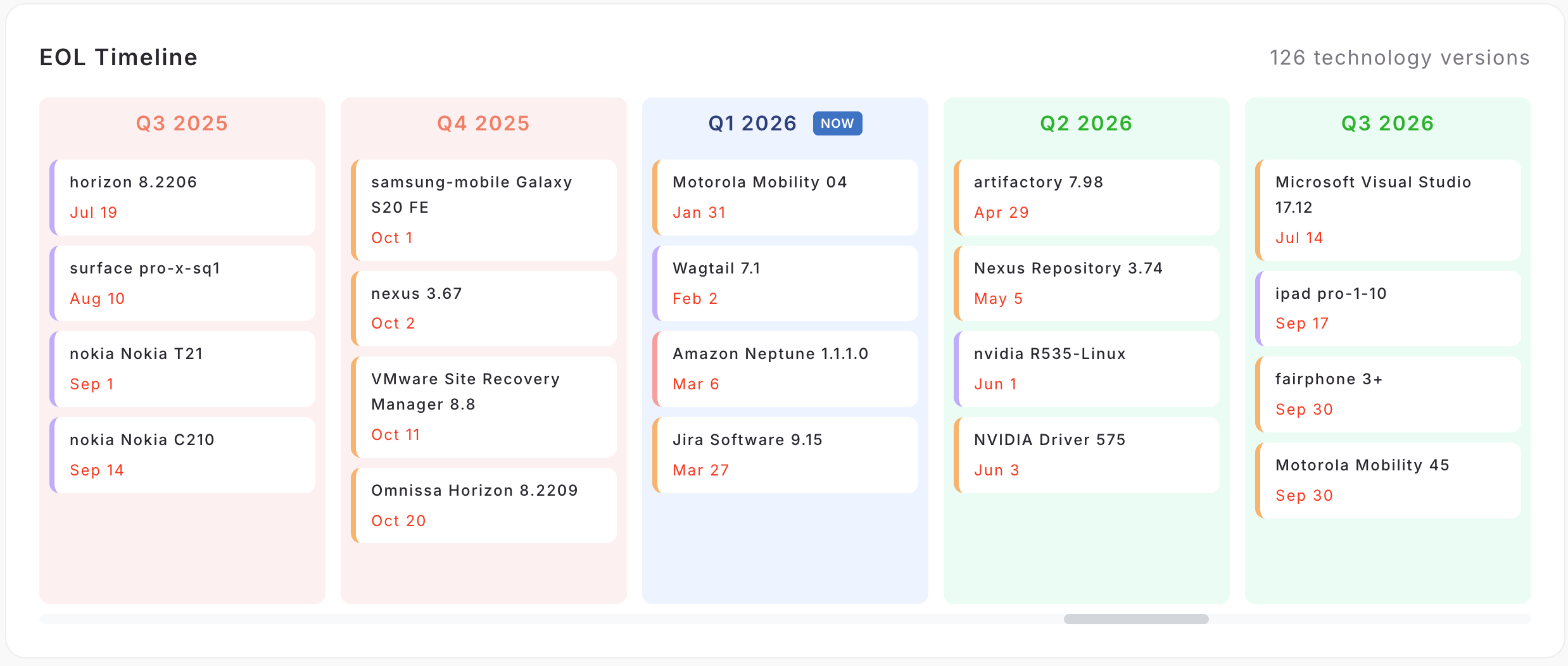
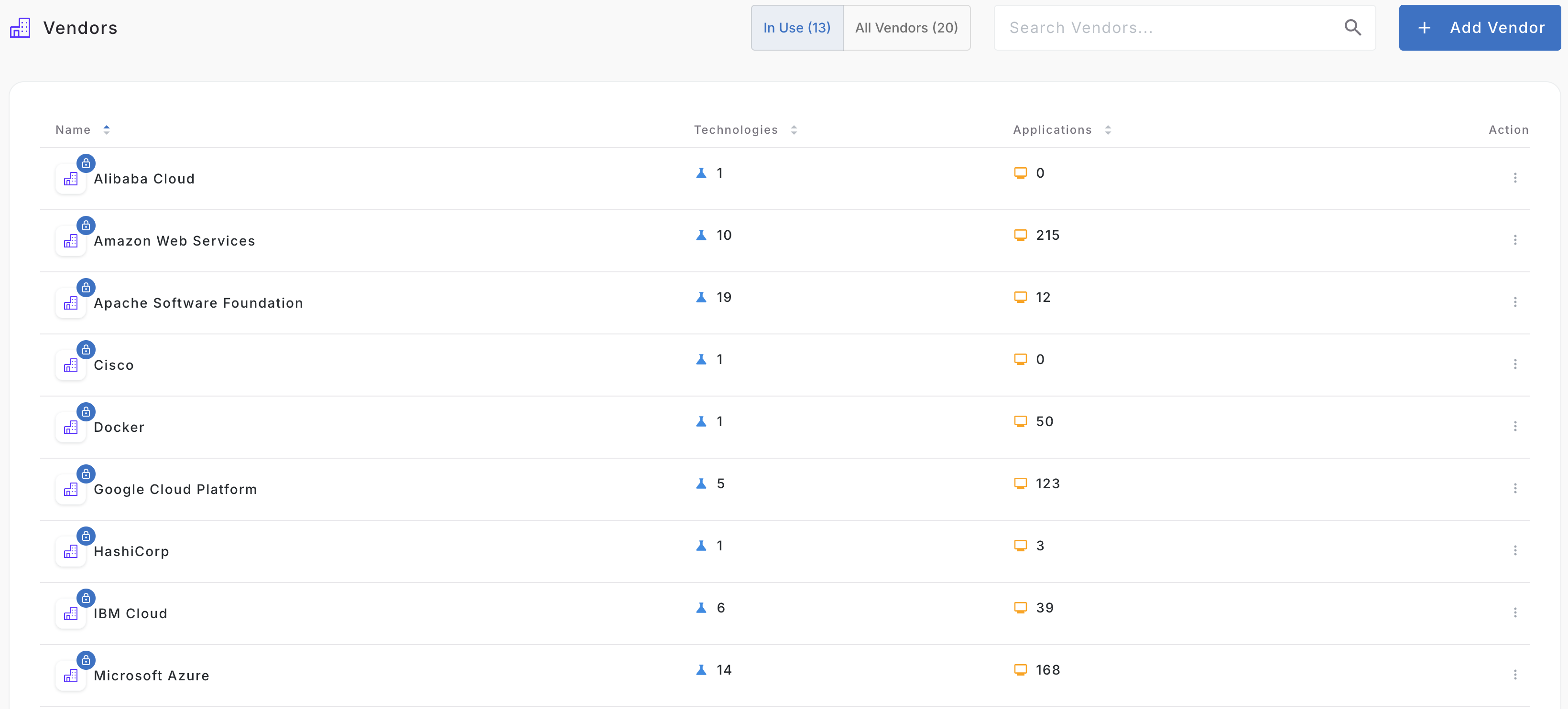
Vendors
A Vendor is the company or provider associated with a technology (for example: Microsoft, Oracle, PostgreSQL Global Development Group).
How data connects
A Technology (for example, PostgreSQL) is the parent record.
Each Technology can have multiple Technology Versions (for example, 13.x, 14.x, 15.x).
A Technology Version is the level where support and lifecycle data is tracked, including EOL date/status.
That same version can be linked across many entities in your environment, which is why one version may show up repeatedly across multiple screens.
In practice:
- Technology = product family
- Technology Version = specific release
- EOL status = evaluated at version level, then reused everywhere that version appears
flowchart TD
  T["Technology"]
  TV["Technology Version"]
  A["Application"]
  C["Component"]
  R["Resource"]
  P["Portfolio"]
  V["Vendor"]
  PE["Person"]

  T -->|technology has version| TV
  C -->|component leverages technology| TV
  A -->|application has component| C
  P -->|portfolio contains application| A
  R -->|resource references technology version| TV
  R -->|entityId| C
  R -->|entityId| A

  V -->|vendor provides technology| T
  PE -->|person skilled tech| T
Component-to-technology mapping
This is the primary direct mapping: components are explicitly linked to technology versions they use.
Resource-to-technology mapping
Resources can also reference technology versions. This can add additional usage coverage even when a component-level mapping is missing.
Direct vs inferred technologies
- Direct: explicit relationship records (clear linkage in model)
- Inferred: connected indirectly through resources
Related context fields
Vendor attribution
Shows who provides the technology.
Technology Type/Category
Classifies technologies (languages, frameworks, runtimes, databases, etc.) for filtering, analysis, and reporting.
Members and ownership context
Links people/teams to technologies.
Skill/experience indicators
Language technologies can include a 1-5 star skill level, based on the lines of code committed, at the person entity level. The star thresholds are configurable in the settings menu.
Updated 4 months ago